
















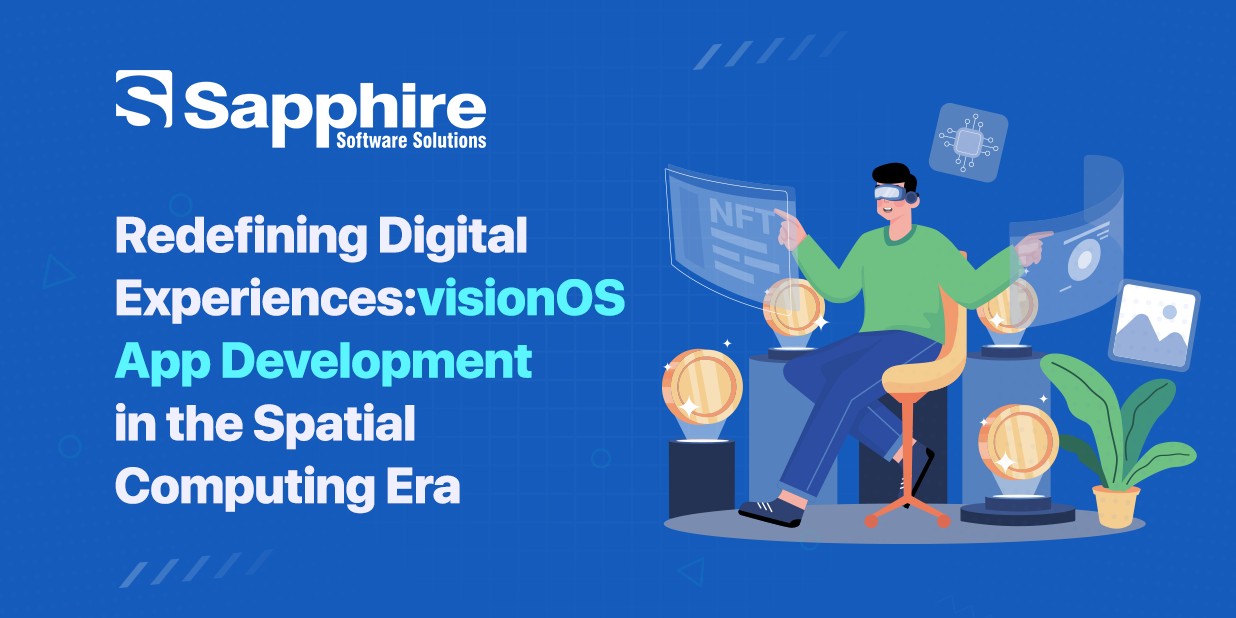
Not long ago, "putting on a headset" meant stepping away from your work, your emails, and the room you were sitting in. Apple flipped that idea on its head with Vision Pro and visionOS. Instead of pulling you out of reality, it layers digital content directly into it — your dashboards float beside desk, your photos gain real depth, and your team can sit in the same virtual room without leaving their actual ones.
That shift is why "spatial computing" has stopped being a buzzword and started showing up in product roadmaps. It is bringing persistent spatial widgets, more lifelike Personas, and shared experiences for people in the same physical room. Businesses are asking a practical question: should we be building this platform now? Let's break down what it is, why it's different, and what it takes — technically and financially — to build something real on it.
What is visionOS?
visionOS is Apple's operating system built specifically for spatial computing, powering the Apple Vision Pro headset. It's based on the same foundations as iPadOS, which is part of why it feels familiar to iOS and iPad developers, but it's built around three inputs that don't exist on a phone or laptop: your eyes, your hands, and the room around you. You look at something to select it, pinch your fingers to activate it, and speak to control it — no controller required.
Where it really departs from traditional operating systems is in how apps exist. They aren't confined to a rectangle. An app can run as a flat 2D window floating in your living room, or it can fully immerse you in a 3D environment that replaces your surroundings entirely. Developers get to decide where their app sits on that spectrum, which is a genuinely new kind of design decision.
Apple pushed this further with persistent widgets that stay anchored in your space even after a restart, AI-generated spatial depth for ordinary 2D photos, and new enterprise APIs that let organizations build spatial tools unique to their workflows. It's a platform that's maturing fast, and the businesses paying attention now are the ones setting up to lead once adoption catches up.
What Makes visionOS Different in the World of Spatial Computing?
Spatial computing isn't new — VR and AR headsets have existed for years. What sets it apart is how it blends the two instead of forcing a choice between them.
A few things stand out:
Passthrough as default, no exception:
Unlike traditional VR headsets that isolate you, Vision Pro keeps you visually connected to your real environment by default. Immersion is a dial you turn up, not a switch you flip.
Eye and hand tracking replace controllers:
This removes a huge barrier to entry — there's no learning curve for holding and aiming for a controller. You just look and pinch.
Spatial audio and depth make digital objects feel physically present:
A notification doesn't just appear on screen; it sounds like it's coming from a specific point in your room.
Shared spatial experiences:
Two Vision Pro users in the same physical space can now interact with the same 3D content together — watching, gaming, or collaborating — which points toward a much more social future for the platform.
Enterprise-grade extensibility:
New APIs let companies build proprietary spatial tools rather than relying only on consumer-facing apps, which is opening the door for industries like healthcare, architecture, and manufacturing.
This combination is why it isn't just "VR with better cameras." It's a genuinely different computing paradigm, and that's exactly why forward-looking businesses are exploring how a custom Apple Vision App Development Company can help them build something that fits this new interaction model instead of retrofitting an old app onto it.
The Business Potential of visionOS Applications
It's fair to ask whether this is worth investing in yet, given Vision Pro's price tag and still-growing user base. But the business case isn't about chasing today's install numbers — it's about the categories of problems spatial computing solves better than any screen can.
Training and simulation:
Surgeons, technicians, and pilots can rehearse high-stakes procedures in a realistic 3D environment before doing them for real. A recent peer-reviewed study even found surgeons using Vision Pro as their primary display completed certain procedures noticeably faster than those using a traditional monitor — a sign that spatial tools can measurably improve outcomes, not just look impressive in a demo.
Retail and product visualization:
Letting a customer see a life-size, 3D version of a couch in their actual living room, or a car's interior before they buy, closes the gap between "browsing" and "experiencing" a product.
Remote collaboration:
With Personas and shared spatial sessions, distributed teams can review a 3D product prototype together as if they were standing around the same table — a meaningfully different experience than a video call with a shared screen.
Enterprise workflows:
Architecture firms walk clients through unbuilt spaces. Field technicians get hands-free instructions overlaid on the equipment in front of them. Manufacturers use spatial data visualization to spot inefficiencies faster.
None of this replaces mobile or web apps — it extends what's possible for the moments seeing and interacting with something in 3D space genuinely changes the outcome.
The visionOS App Development Process
Building visionOS follows a familiar shape if you've built native Apple apps before, with a few spatial-specific stages layered in.
1. Discovery and use-case definition:
The most important early decision is where your app sits on the spectrum from a simple floating window to a fully immersive environment. This shapes everything downstream.
2. Spatial UX design:
Traditional UI patterns don't map directly to 3D space. Designers need to think about depth, comfort, field of view, and how users will naturally look and reach within a room-scale environment.
3. Prototyping in RealityKit and Reality Composer Pro:
Apple's tools let teams build and test 3D scenes, animations, and spatial interactions before committing to full development.
4. Native development with Swift and SwiftUI:
Since it shares its foundation with iPadOS, teams experienced in Swift App Development can apply much of that expertise here, extended with visionOS-specific frameworks like ARKit and RealityKit for spatial rendering and tracking.
5. Testing on device:
Because comfort and spatial accuracy matter so much, testing actual hardware — not just the simulator — is non-negotiable before launching.
6. App Store submission or enterprise deployment:
Depending on the use case, apps either go through the visionOS App Store or get deployed internally through Apple's enterprise device management tools.
Throughout, the goal isn't to port an existing app — it's to rethink the interaction from the ground up.
How Much Does visionOS App Development Cost?
There's no single number here, because the range depends heavily on complexity, but it's useful to think in tiers:
Simple spatial apps:
Generally, land on the lower end, since they lean on standard SwiftUI patterns with limited custom 3D content.
Mid-complexity apps:
With custom 3D models, spatial interactions, and moderate immersion — think product visualizers or training modules — require more design and Reality Kit development time, which pushes the investment up considerably.
Fully immersive, enterprise-grade applications:
With custom environments, multi-user shared sessions, real-time data integration, or hardware/IoT connections sit at the top end, since they demand specialized 3D artists, spatial UX designers, and deeper engineering work.
Beyond the build itself, budget for ongoing costs: content updates as visionOS evolves, device testing, and maintenance as the platform and hardware — including the newer M5-powered Vision Pro — continue to advance. The most cost-effective approach is usually to scope an MVP around one clear use case, validate it, and expand from there rather than trying to build the full vision on day one.
How Can Sapphire Help Bring Your Spatial Vision to Life?
Spatial computing rewards teams who understand both the technical depth of the platform and the design instincts needed to make 3D interactions feel natural rather than gimmicky. That's the combination Sapphire Software Solutions brings to the table.
Our team works across native Apple development, Augmented Reality App Development, and broader Extended Reality Development, so we're not learning spatial design principles from scratch — we're applying experience already built across AR, VR, and now visionOS. Whether you're exploring a focused pilot for one department or planning a full enterprise rollout, we help you define the right scope, build a working prototype, and iterate toward something your users will want to strap on a headset for.
If you have an idea for a spatial experience — or even just a hunch that it could solve a real problem for your business — let's talk about it through. Get in Touch With Sapphire and let's figure out what building for the spatial computing era could look like for you.
Conclusion
visionOS is still early, but "early" doesn't mean "not ready." Apple has shipped consistent, substantial updates since launch; real enterprise APIs now exist, and use cases in training, retail, and collaboration are already showing measurable results. Businesses that start building spatial literacy now — through a focused pilot or a smart MVP — will be the ones ready to move fast as adoption grows. Spatial computing isn't asking us to imagine a different screen. It's asking us to imagine no screen at all, just digital experiences woven naturally into the world around us. That's a shift worth getting ahead of.