
















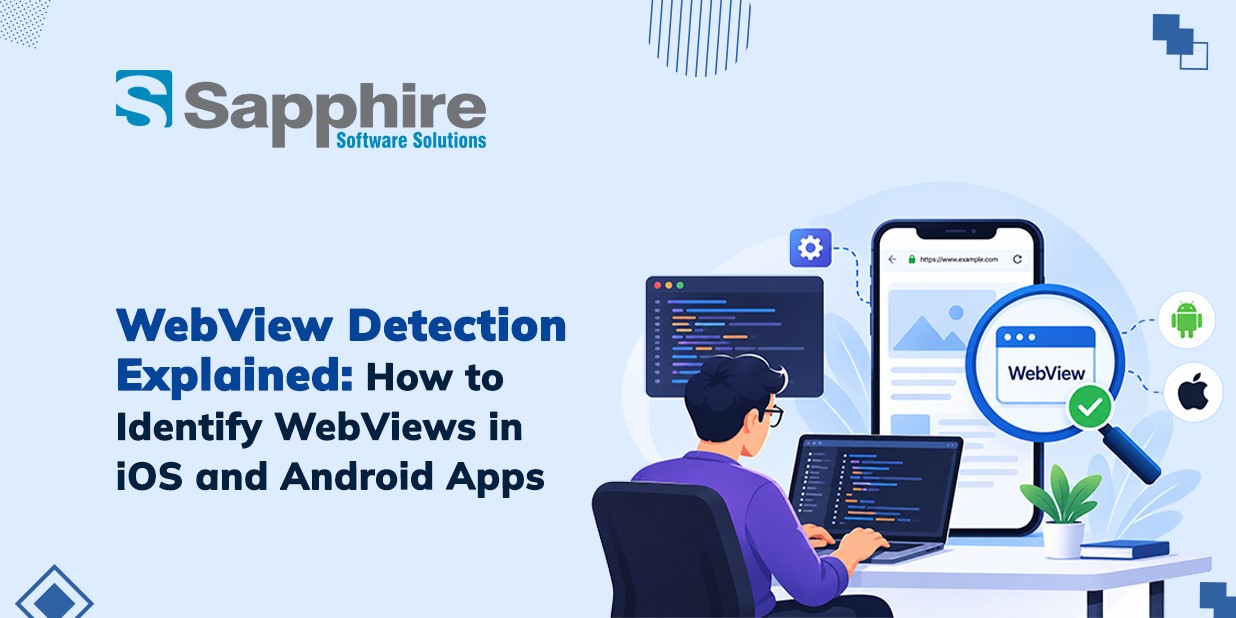
WebView detection is an essential process for identifying when a website is accessed through an embedded web environment within a mobile application rather than a standalone browser. In iOS and Android applications, WebViews enable developers to display web content seamlessly without redirecting users to external browsers such as Safari or Chrome. Understanding how WebViews function helps businesses and development teams improve application performance, enhance user experience, and streamline web analytics.
For businesses investing in mobile app development, WebView detection across iOS and Android plays a crucial role in debugging, security validation, analytics tracking, and cross-platform compatibility testing. By identifying WebView environments accurately, developers can optimize website behavior, troubleshoot rendering issues, and ensure consistent functionality across mobile platforms. In this guide, Sapphire explores how WebViews work, the key techniques for detecting them, and the best practices for identifying WebView environments in iOS and Android applications.
What Is a WebView and How Does It Work in Mobile Apps?
WebView is a native built-in view that is used to display web content within a mobile app. Rather than using a user's mobile browser, the app itself can show web pages forms dashboards, interactive features and more. Android WebView system uses the Chromium system for rendering, and in most iOS apps Apple's WebView is used to enable web-application integration.
How WebViews work
Load Content:
WebViews are used for rendering HTML CSS JavaScript, and web resources in a viewport within a user interface.
Native Integration:
Using sandboxed interfaces, developers have the ability to add certain web features into native application features.
Cross-Platform Development:
Using shared web content for separate platform solutions may decrease duplication of development work. Though platform-specific implementation will still be required.
WebView System Management:
The operating system and the underlying rendering technology affect compatibility, updates, and how applications behave.
How to Detect WebViews in Android Apps?
Identifying WebViews in Android uses helps planners understand in what way or manner screens render content and place debugging or addition concede possibility be required. Ultimate reliable approach searches out inspect the use of law, layout order, and runtime behavior alternatively relying on presentation unique. Android supplies a dedicated WebView class and troubleshooting tools that create this process smoothly.
Methods to identify Android WebViews
Inspect the source code:
Search for Android Studio projects for android. WebView or WebView-related declarations in Kotlin and Java files.
Review layout resources:
Check out XML layouts for WebView elements or custom components that contain an embedded WebView.
Examine runtime behavior:
Observe whether a screen loads web URLs, renders HTML content, or relies on JavaScript.
Check the WebView manager:
Review Android's WebView implementation and provider version when investigating rendering inconsistencies or compatibility problems.
Test navigation:
Check how the app handles redirects, external links, back navigation, and failed network requests.
How to Identify WebViews in iOS Apps?
On iOS, planners usually use WebView to display web-located content inside an application. Similarly, a webview android app allows developers to display web content within an Android application. Apple's Safari Web Inspector can help developers investigate HTML elements, JavaScript execution, network requests, and page behavior when inspecting compatible web content during development.
Methods to identify iOS WebViews
Review the beginning law:
Search Swift or Objective-C files for WebView and connected WebKit parts.
Examine the interface ranking:
Use Xcode troubleshooting tools to recognize entrenched Web-rendering views inside a screen order.
Enable Web Examiner:
On a backed development arrangement, allow inspection for the appropriate webview app builder and link the maneuver to a Mac.
Test Web content:
Use Trek's Develop card to check available app content, containing the DOM, JavaScript comfort, and network requests.
Check navigation behavior:
Review how the use handles redirects, confirmation of pages, external links, and abandoned content loads.
Evaluate runtime efficiency:
Monitor loading delays, thought habits, and rendering performance to label potential issues.
Common WebView Security and Performance Issues
Webview can streamline mobile development, but poorly configured implementations may present security exposures, slow rendering, and irregular consumer experiences. These problems enhance particularly main when applications display active content or correspond with native design features. Professional Android App Development Services can help businesses identify weaknesses, improve rendering efficiency, and maintain reliable mobile experiences.
Common issues developers should address
Untrusted content:
Loading unknown websites can expose customers to mischievous scripts, phishing pages, or unsafe redirects.
Insecure JavaScript bridges:
Poorly secured native interfaces may approve web content to invoke accidental use of functionality.
Slow page rendering:
large concepts, complex scripts, and excessive network requests can increase loading times.
Memory consumption:
Multiple WebViews or resource-severe pages may increase reminder pressure and cause unexpected app closures.
Compatibility problems:
Differences in operating system versions, rendition engines, and web guidelines can pretend how content occurs.
Thin data security:
Improper handling of confirmation tokens, cookies, or delicate information may design privacy risks.
Debugging exposure:
Remains WebView debugging allowed in production can expose content to check and modification.
How to Choose the Right Android and iOS App Development Company?
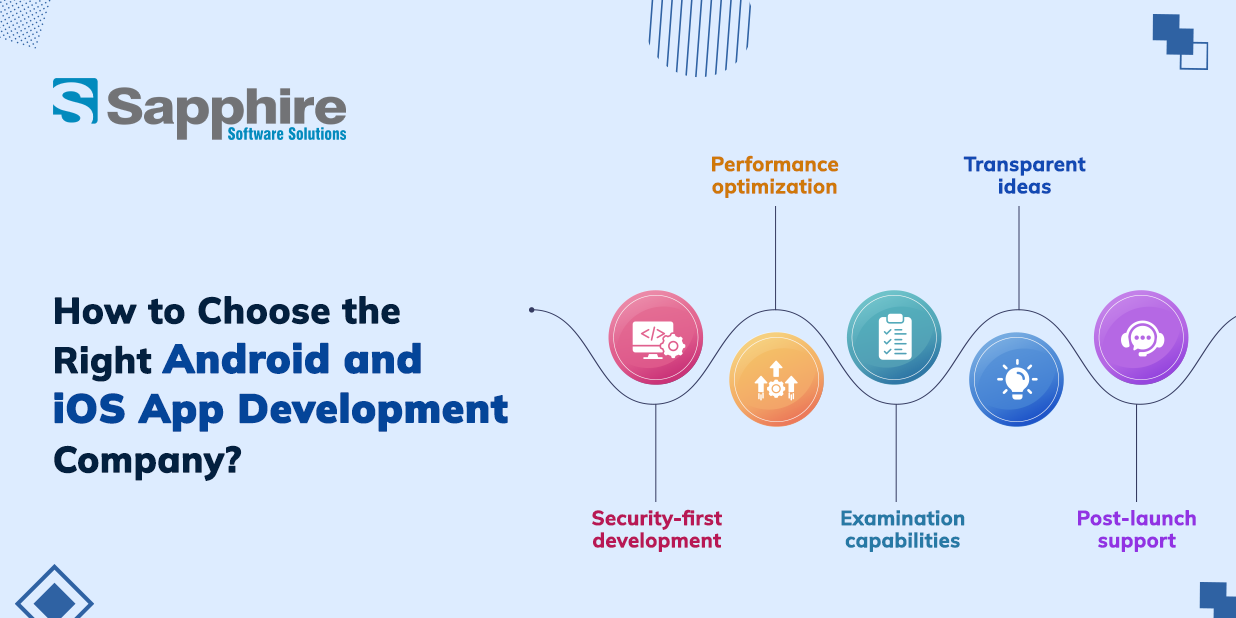
Selecting the right development partner is outstanding when your application depends on WebViews, native efficiency, or hybrid design. An experienced iOS App Development Company can help you identify high-tech risks, boost effectiveness, and select a design that helps future growth. When evaluating providers of Android App Development, analyze their leading technical expertise, implementation practices, security guidelines, and full support capacities.
Key factors to consider
Cross-principal expertise: Expect experience with Robot WebView, iOS WebView, native development, and composite request frameworks.
- Security-first development:
Secure the company understands secure JavaScript bridges, data safety, HTTPS, and safe navigation handling.
- Performance optimization:
Ask how the team tests loading speed, thought consumption, responsiveness, and application strength.
- Examination capabilities:
Choose a partner that tests across different tools, operating system versions, screen sizes, and network conditions.
- Transparent ideas:
Prioritize clear project achievements, documentation, sensible timelines, and regular progress updates.
- Post-launch support:
Verify that the company provides bug fixes, unity updates, security gains, and ongoing technical support.
Why Choose Sapphire as Your AI-Powered Mobile App Development Company for iOS and Android Apps?
Businesses looking to build current mobile applications need a development partner that understands both consumer expectations and developing technologies. Sapphire Software Solutions is an AI Powered Mobile App Development Company, combines mobile app development expertise with bright appearance, respectable design, and resolutions tailor-made to particular business needs. For organizations exploring App Development, the objective should be to generate applications that are fixed, user-centric, responsive, and ready to progress with changing wants.
What to look for in Sapphire's mobile development approach
AI-prompt functionality:
Explore importance to merge AI-compelled approvals, informal assistants, inventive search, and workflow automation places transfer significant value.
iOS and Android information:
Choose an approach that considers platform-particular wants while asserting a consistent service of knowledge.
Business-adapt customization:
Join the application's features, integrations, and design with your working goals and consumer needs.
Continuous support:
Authorize believe support, experiment, feature progress and unity updates after starting.
Conclusion
WebView detection helps developers understand how mobile applications display web content and identify opportunities to improve security, performance, and stability. Android developers can inspect WebView components and use supported debugging tools, while iOS developers can analyze WebView behavior using development tools and Safari Web Inspector. Choosing the right detection techniques and development partner ensures seamless, secure, and reliable web experiences across both platforms.
With thorough testing and continuous optimization, businesses can build robust mobile applications that meet evolving user expectations. At Sapphire Software Solutions, we help businesses strengthen their digital solutions with reliable IT services and mobile application expertise. Looking to optimize your mobile application or improve WebView performance? Contact us today to Get a Free Quote and discover the right solution for your business.