


















Managing a field service business involves more than assigning technicians to customer locations. Businesses must coordinate service requests, technician schedules, job progress, equipment, customer communication, and invoicing while ensuring timely service delivery. As operations grow, relying on spreadsheets, emails, phone calls, and disconnected tools can create communication gaps, administrative challenges, and unnecessary operating expenses. Field Service Management Software helps businesses bring these activities together, streamline daily operations, and maintain better control over their service processes.
By automating routine tasks, improving workforce coordination, and providing real-time operational visibility, businesses can reduce manual effort and make more informed decisions. A centralized platform also enables office teams and field technicians to collaborate more effectively, improving productivity and service consistency. For growing service organizations, adopting the right digital solution creates a scalable operational framework that supports increasing workloads, controls business costs, and delivers a better customer experience.
What Is Field Service Software and How Does It Work?
Field service management entails the coordination of people, machinery, service requests, and other components needed to offer services at the location of the customer. It is often adopted by firms offering such services as on-site repair, installation, inspection, maintenance, and technical support services.
How Does It Work?How Does It Work?
The typical process for field service consists of several stages which are interconnected.
1. Service Request Creation
It starts with the creation of a request for repair, installation, inspection, or maintenance by the customer. This request can be received via website, phone call, email, customer portal, and mobile app.
2. Work Order Creation
Then, after the review of the request, it can be transformed into the work order. The work order includes all necessary data for performing the task: customer data, description of the issue, service instructions, list of materials needed, estimated duration.
3. Assignment of the Technician
The manager assigns the task to an appropriate technician according to his availability, skills, proximity, job load, and job priority. There are some systems that can suggest appropriate workers due to their scheduling rules.
4. Job Completion and Reporting
The next stage is job completion and reporting. Here, the technician documents the activity performed, time spent, materials used, and additional comments. Also, the customer may sign digitally.
Common Operational Challenges Faced by Field Service Businesse
Field service firms conduct business in a setting where schedules are volatile, employees work in many locations, and customer service must be done on time. A slight coordination error can have an impact on many other processes.
These companies start managing these tasks using telephonic communications, spreadsheets, emails, and hard-copy reports. These practices might work for a few employees, but as the need for service rises, these practices get harder to sustain.
Inefficient technician scheduling is one such difficulty that many businesses face. The manager needs to take into consideration employee availability, employee skill set, job location, window of appointment, and job priority before assigning work to someone. As the schedule needs to be made manually, it might take a lot of time. A technician receives overlapping appointments whereas another one stays idle.
How Field Service Management Software Improves Operational Efficiency
Operational efficiency refers to the ability to perform service activities using time, personnel, machinery, and other resources available in a more efficient manner. For field service firms, this means cutting back on unnecessary work while still providing good service.
The deployment of digital field service software enables a business to accomplish this by integrating daily operations, automating certain procedures, and giving better visibility of current operations for the management team.
1. Automated Technicians' Scheduling and Dispatching
Scheduling is among the most important duties in field service operations. It requires managers to assign the proper technician to each service task taking into account his skills, availability, location, and other factors.
2. Improved Route Planning and Cutting Travel Time
Travel time affects the number of service appointments that a technician performs in a day. In case of assignments made without consideration of geographical locations, employees end up spending much more time travelling than doing actual service.
3. Offering Real-Time Tracking of Jobs
For managers to coordinate field operations effectively, they require information about field operations. The tracking system will enable the technicians to update the status of jobs using a mobile application.
How Field Service Management Software Helps Reduce Operational Costs?
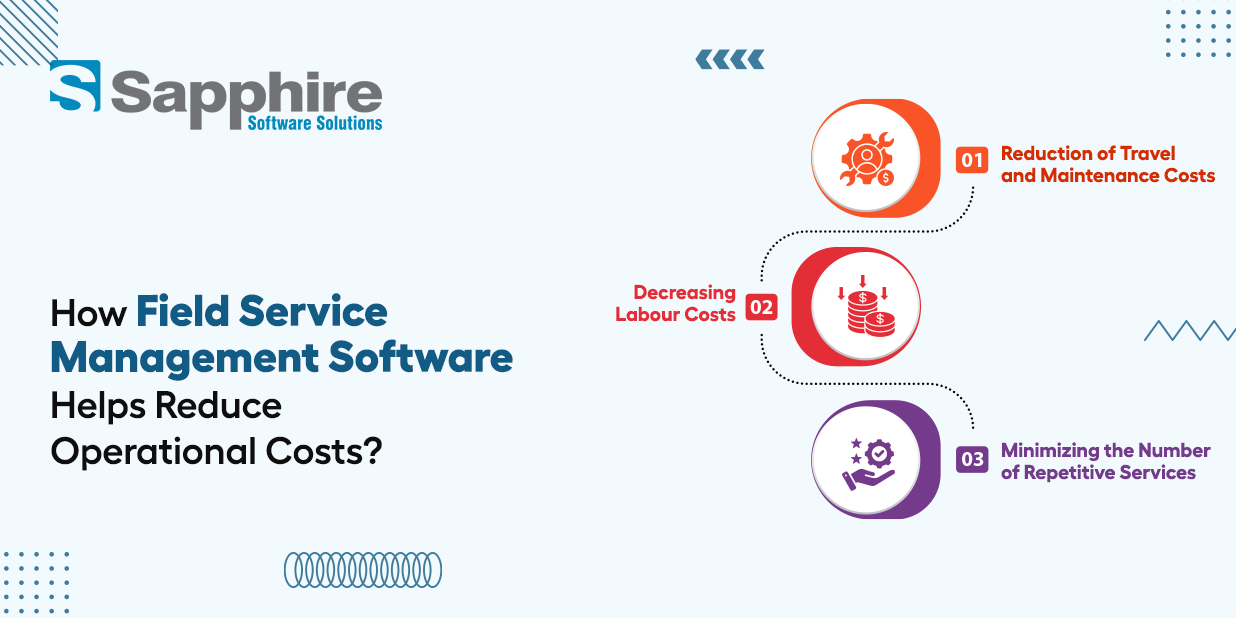
Operational efficiency and reduction of costs are strongly correlated to each other. As a result of reducing the time of useless trips, duplications and manual labor of employees, businesses have an opportunity to decrease their unnecessary costs.
But effective cost management is not a process of decreasing service quality or increasing pressure on the staff. On the contrary, it consists in proper usage of available resources and avoidance of unnecessary costs creation by operations of the business.
1. Reduction of Travel and Maintenance Costs
For companies that have many service technicians and vehicles, travel costs may become quite a considerable part of operating expenses.
2. Decreasing Labour Costs
The labour of service technicians is one of the most precious resources for any business. Wasted time waiting for new tasks, inefficient travel between appointments and fixing avoidable errors are the signs of improper resource management.
3. Minimizing the Number of Repetitive Services
Each extra visit causes additional costs. The company needs to allocate the next technician, arrange the trip, spend the work time, and, sometimes, extra parts without creating any income.
Key Features of a Modern Field Service Management App?
The current Field Service Application makes it possible for technicians to perform tasks like managing daily jobs, accessing customer details, and managing service activities through their mobile phones. Some of the key features are:
1.Technician Dashboard: It shows details about the jobs, appointments, tasks, and notifications for the technician.
2.Work Order Management: It helps technicians to get job descriptions, customer details, service instructions, and material requirements
3. GPS and Navigation: It helps technicians in locating customer addresses and reaching the service locations easily.
4. Notifications About Appointments: They are notified about new appointments, schedule changes and service requirements.
5. Details of Customers and Service History: Details of customers and service history such as their details, work order, equipment details and warranty information can be viewed by them
6. Electronic Form Filling and Signatures: It helps them fill in the inspection checklists and upload photographs.
How to Choose the Right Field Service Management Software for Your Business
The right field service platform needs to be selected based on your business needs, your current operational issues, and your plans for the future. You shouldn't be choosing a platform simply on the basis of what it can do. You need to ask the question of how well it will support your actual day-to-day operations.
1. Identify your business requirements:
Work out what the problems are (e.g. scheduling delays, excessive travel, manual paperwork, stockouts, poor communication etc). This will then allow you to priorities the features that will actually deliver the most value.
2. Assess the scheduling and dispatch capabilities:
Look for things such as technician availability, skill-based assignments, appointment management, and route optimization. These are all features that will help the manager to distribute their workload and manage their service visits.
3. Check Mobile App Usability:
The technicians should be able to access work orders, customer info, service instructions and job updates etc. via the app with ease. It needs to be a simple interface so that the staff are inclined to use it.
4. Review the integration capabilities:
Can it integrate with your existing CRM, accounting, ERP, inventory, payment and communications systems? Integration will obviously reduce the amount of duplicate data entry and improve the flow of information.
5. Priorities of reporting and analytics:
The reports that are produced on technician productivity, job completion rates, first time fix rates, travel time and operating expenses are all enormous value to the manager in terms of making the right decisions.
Conclusion:
Implementing the right field service management solution is a strategic investment for businesses looking to improve operational performance, manage resources effectively, and reduce unnecessary expenses. From technician scheduling and job tracking to route optimization and service reporting, digital automation helps organizations simplify complex workflows and maintain greater control over daily operations. By replacing manual processes with a centralized system, businesses can improve workforce productivity, deliver consistent customer experiences, and build a scalable service operation that supports long-term growth.
At Sapphire Software Solutions, we understand that every service business has unique operational requirements. Our goal is to help businesses leverage technology to streamline service management, improve efficiency, and achieve measurable business outcomes. Looking to optimize your field service operations with the right software solution? Get a Free Quote today and explore how a tailored field service management solution can support your business growth.